Video Call Anxiety: How to Feel Confident on Zoom, Teams and Meet
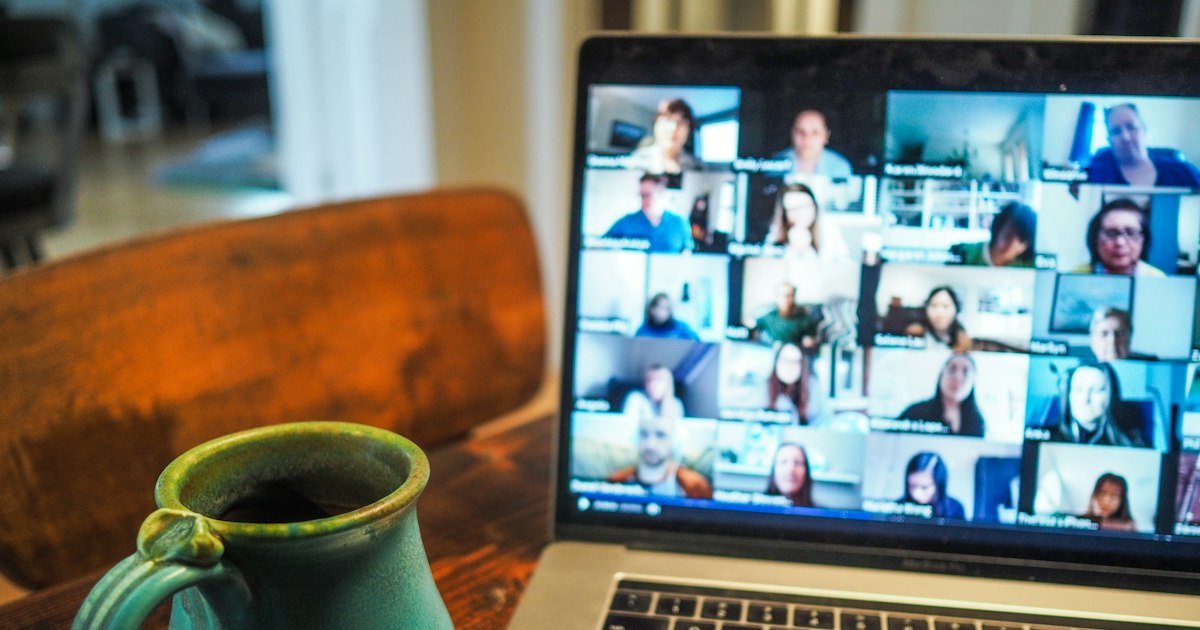
Video calls were supposed to make remote work and study easier. For many shy people, they’ve added a brand-new source of stress. You’re staring at your own face, everyone seems to be looking right at you, there’s a lag that makes you talk over people, and speaking up means unmuting in front of a grid of silent faces. If this sounds familiar, you’re dealing with video call anxiety, and you’re in very good company.
This guide explains why video calls can feel harder than in-person meetings and shares twelve practical tips to feel calmer and more confident on Zoom, Microsoft Teams and Google Meet.
Key Takeaways
- Video call anxiety is driven by seeing yourself, feeling watched and having fewer social cues.
- Hiding self-view and speaking early are two of the most effective fixes.
- A pre-call checklist turns video call anxiety into small, controllable steps.
- Build up gradually from friendly calls to presenting.
Why Video Calls Feel So Stressful
- You can see yourself. Seeing your own face constantly is unnatural. It keeps attention focused on how you look, which feeds self-consciousness.
- The feeling of being watched. On video, it can feel like everyone is looking directly at you, all the time. In reality, most people are looking at the shared screen, their notes or themselves.
- Fewer social cues. It’s harder to read body language and know when it’s your turn to speak.
- Lag and interruptions. Tiny delays lead to people talking over each other, which can make speaking up feel riskier.
- Unmuting feels like a spotlight. In a group call, turning your microphone on can feel like stepping onto a stage.
That feeling of constant scrutiny is a digital version of the spotlight effect, which we explain in our article on why no one is watching you as closely as you think.
12 Tips to Feel Confident on Video Calls
1. Hide Self-View
Zoom, Teams and Meet all let you hide your own video from your screen while others can still see you. This single change removes a big source of self-monitoring. Check your framing at the start, then hide yourself.
2. Set Up Your Space Beforehand
Test your camera, lighting and audio a few minutes before important calls. A light source in front of you (not behind), a simple background and a stable internet connection remove technical worries that can add to nerves.
3. Join a Minute or Two Early
Arriving early lets you settle in and chat one-on-one with whoever else is early, which is often easier than speaking up once the full group arrives.
4. Speak Early
Say something within the first few minutes, even just “Hi everyone” or a quick agreement. Breaking the silence early makes it much easier to speak again later. The longer you wait, the bigger the moment feels.
5. Prepare One or Two Points
Before meetings, jot down one or two things you could contribute: an update, a question or an idea. Having them ready means you’re not trying to think on the spot. Our guide on how to speak up in meetings has more strategies that work just as well online.
6. Use the Chat or Reactions as a Stepping Stone
Typing a comment in the chat or using a hand-raise reaction is a lower-pressure way to participate. It’s a great starting point, and it often leads to someone inviting you to expand out loud.
7. Use “Raise Hand” to Avoid Talking Over People
If lag and interruptions make you anxious, the raise-hand feature is your friend. It signals you want to speak and lets the host bring you in at the right moment.
8. Look at the Camera When Making Key Points
Looking at the camera, rather than people’s faces on screen, reads as eye contact to others. You don’t need to do it constantly; just for important points. Our guide on how to make eye contact when you’re shy has more tips.
9. Keep Notes Nearby
Place a notepad or sticky notes near your camera with key points or reminders. It’s one of the advantages video calls have over in-person meetings: nobody can see your cheat sheet.
10. Breathe Before You Unmute
Take one slow breath with a longer exhale before you unmute and start speaking. It steadies your voice. See our guide to breathing exercises for social anxiety for quick options.
11. Turn the Camera Off When Appropriate
Many workplaces and classes allow cameras off for parts of a call. Having it off during long listening stretches can reduce fatigue and self-consciousness. Just be mindful not to rely on it entirely, so avoidance doesn’t grow.
12. Debrief Kindly Afterward
After a call, resist replaying every word. Instead, note one thing that went well and one thing to try next time. If you tend to overthink, see our guide to stopping overthinking.
Rehearse before the real thing. ShyMind’s AI Social Simulator lets you practice meeting updates, interview answers and tricky conversations privately, so you walk into calls feeling prepared. Try it free.
Video Interviews
Video job interviews add extra pressure, but they also give you advantages:
- You can keep brief notes about your key examples nearby.
- You can control your environment, lighting and background.
- You can hide self-view to focus on the interviewer.
Practice answering common questions out loud on camera beforehand. Our job interview tips for shy people cover how to prepare stories that show your strengths.
Presenting on Video
Presenting on a call can feel strange because you get almost no audience feedback. A few tips:
- Share your slides and speak to the camera, not the slides.
- Build in short pauses to check for questions.
- Ask a colleague to give you a thumbs up in the chat, so you have a friendly signal.
For more, see advanced techniques for public speaking success.
Remote Work and Isolation
Working remotely can be a relief for shy people, but it can also make it easier to avoid social contact altogether. Over time, that avoidance can make interactions feel even harder. Try to keep some regular social touchpoints, like a quick chat with a colleague, a virtual coffee or an in-person meetup occasionally. Our guide to leadership for introverts also shows how quieter people can thrive and stand out in remote teams.
A Pre-Call Checklist
Run through this list five minutes before any call that makes you nervous:
- Camera, microphone and internet tested.
- Light in front of you, background tidy or blurred.
- Notifications silenced and other apps closed.
- Water within reach.
- One or two points you’d like to contribute, written on a sticky note near the camera.
- One slow breath with a long exhale.
- Self-view hidden once you’ve checked your framing.
Having a routine like this turns a vague sense of dread into a set of small, controllable steps, which is often all anxiety needs to settle down.
Building Video Confidence Gradually
If video calls feel overwhelming, build up step by step, the same way you’d approach any fear:
- Video call a close friend or family member for a relaxed chat.
- Join a group call and speak once, even briefly.
- Share a short update in a team meeting.
- Ask a question or make a suggestion in a larger call.
- Present a few slides to your team.
- Lead or co-host a meeting.
Repeat each step until it feels noticeably easier before moving up. Our guide to building an exposure hierarchy explains why this gradual approach works so well, and phone anxiety covers the audio-only version of the same challenge.
Remote work can be stressful in ways that go beyond calls. The World Health Organization has a clear overview of anxiety and when it may need professional support.
Keep Reading
- How to handle criticism when you’re shy
- Practice conversations with AI
- Anxiety and well-being self-assessments
Frequently Asked Questions
What should I do if I freeze while speaking on a video call?
First, know that a pause on a video call often looks like a normal connection delay to everyone else, so it’s less noticeable than it feels. Take a breath and say something simple like, “Sorry, let me gather my thoughts,” or “Give me one second, I just want to check my notes.” Then glance at the sticky note near your camera and continue. People are generally patient, especially on calls where everyone has experienced lag, frozen screens and lost trains of thought. Afterward, avoid replaying the moment on a loop. Instead, note what might help next time, such as writing your key point in one short sentence. Freezing once is a normal human moment, not proof that you’re bad at speaking.
Why do I get so anxious on Zoom?
Seeing yourself, feeling watched and having fewer social cues all increase self-focus, which fuels anxiety. Hiding self-view and preparing points in advance usually help a lot.
Is it okay to turn my camera off?
Often yes, depending on your workplace or school norms. Use it to reduce fatigue, but try not to rely on it entirely, since gradually getting comfortable on camera builds confidence.
How can I speak up more in virtual meetings?
Say something in the first few minutes, prepare one or two points beforehand and use the chat or raise-hand feature as a stepping stone.
How do I look confident on camera?
Good lighting, a stable camera at eye level, relaxed posture and occasional eye contact with the camera go a long way. Confidence is more about presence than perfection.
You Belong in the Grid
Video calls can feel exposing, but with a few small changes, like hiding self-view, speaking early and preparing your points, they become far more manageable. Try two tips from this list in your next call and notice the difference.
Want a full plan for workplace confidence? Join ShyMind free for guided tools, an AI practice partner and access to verified experts. You can find answers to common questions in our FAQ.